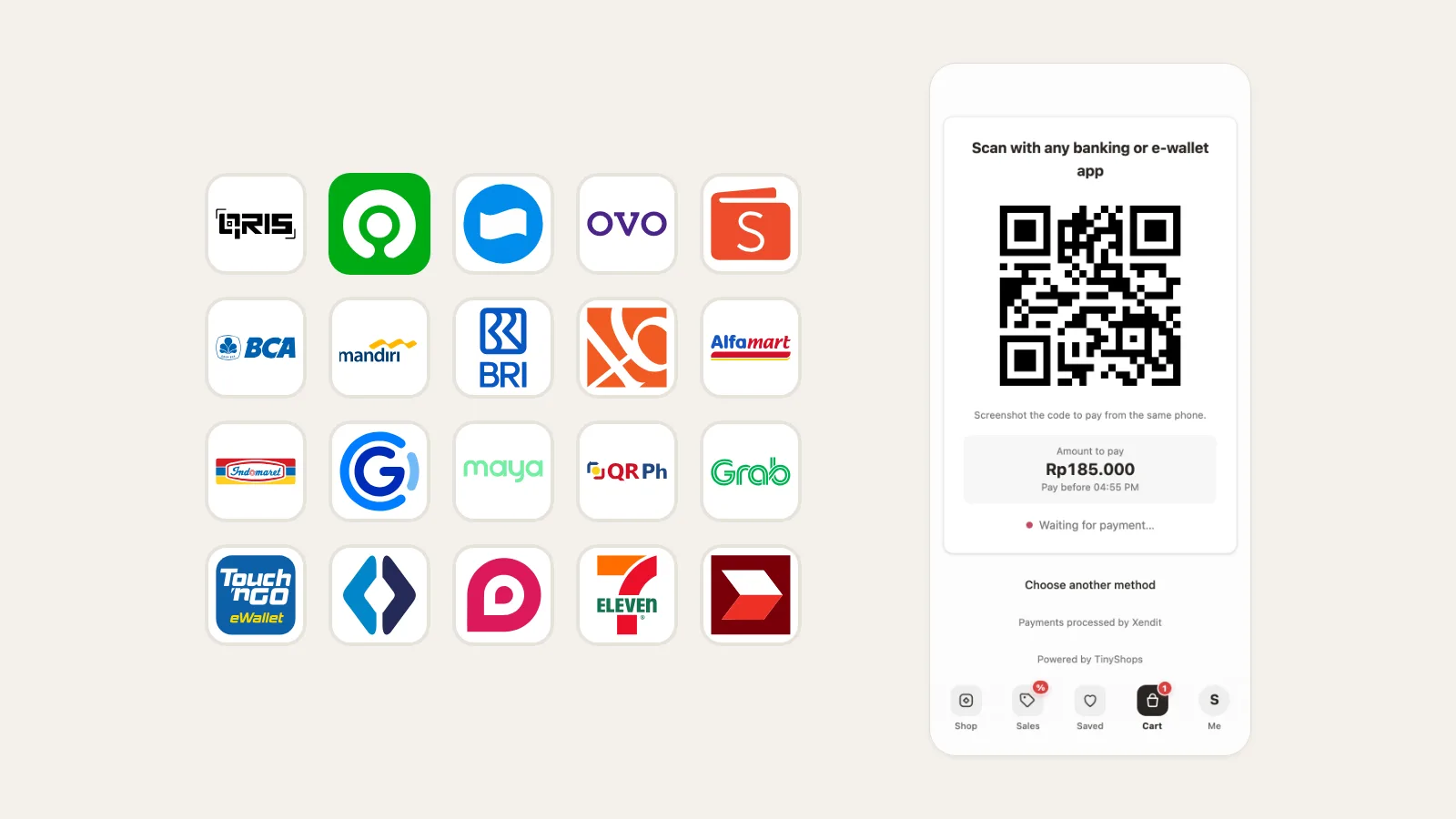
Cards are not how most of Southeast Asia pays online. In Indonesia it is a QRIS scan or a bank transfer; in the Philippines, GCash; in Malaysia, online banking through FPX. Your Telegram store now takes all of them, through your own Xendit account. The money goes straight to you.
What your buyers can pay with#
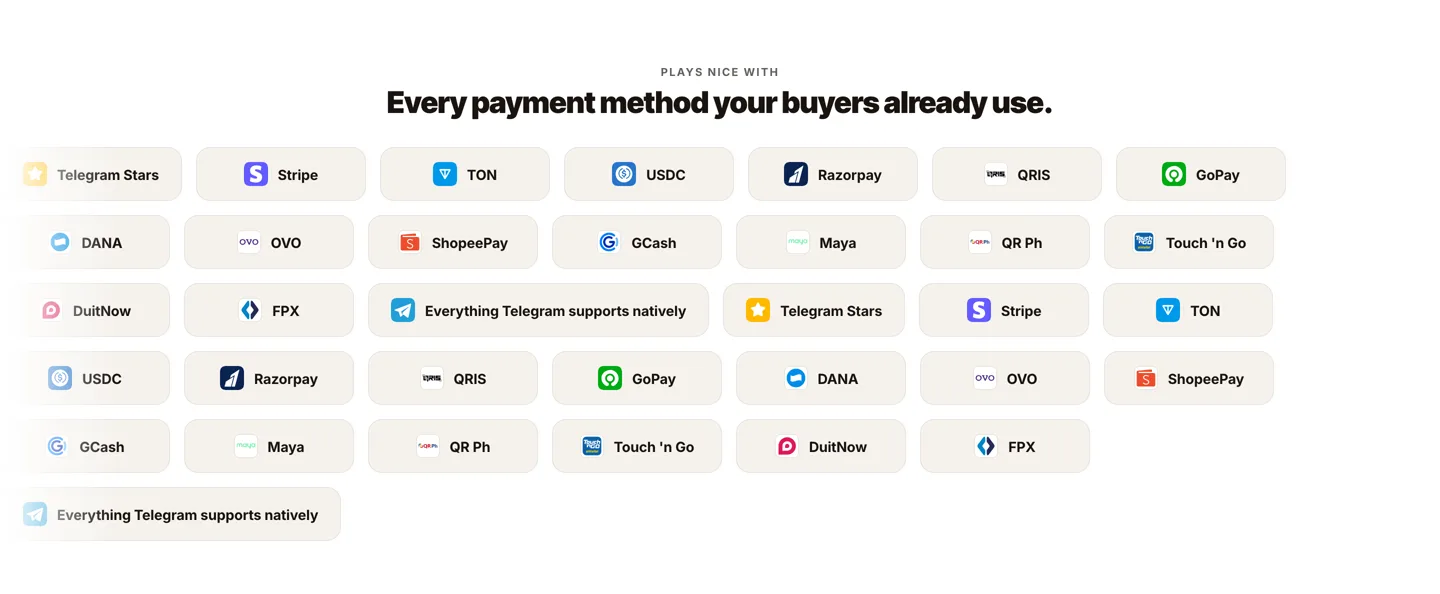
Indonesia. QRIS; GoPay, DANA, OVO and ShopeePay; bank transfer to BCA, Mandiri, BNI, BRI, Permata, BSI and CIMB Niaga; cash at Alfamart and Indomaret.
Philippines. QR Ph; GCash, Maya and GrabPay; BPI online banking; cash at 7-Eleven.
Malaysia. FPX online banking; Touch 'n Go, ShopeePay and GrabPay; DuitNow.
Everywhere. Cards, PayLater and every other method on your Xendit account, through Xendit's secure payment page.
The buyer picks a method they know#
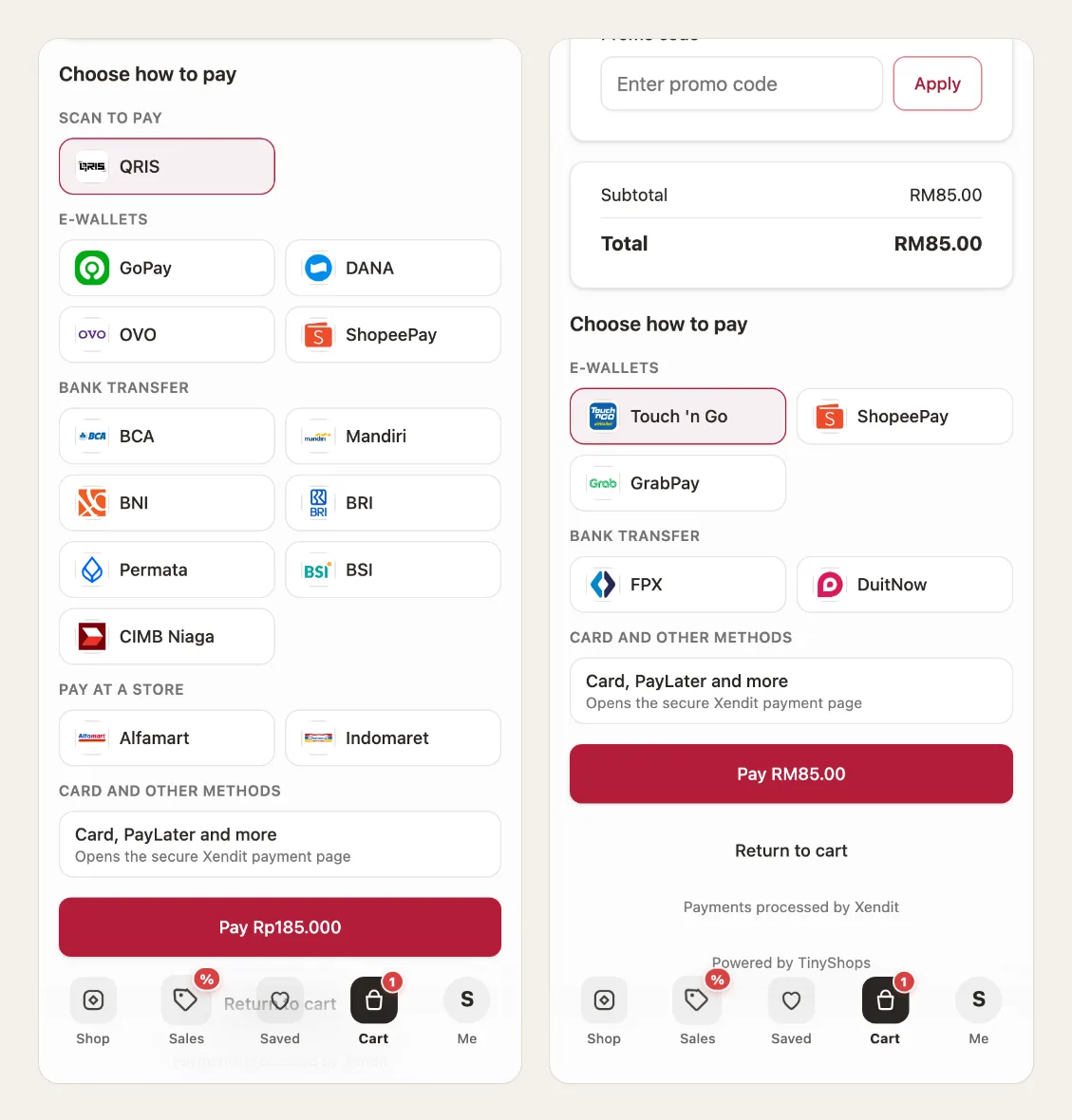
At checkout the methods are grouped the way buyers think about them: scan to pay, e-wallets, bank transfer, pay at a store. Methods whose limits don't fit the order total are hidden, so nobody picks one that will fail.
QR codes, account numbers and store codes, inside Telegram#
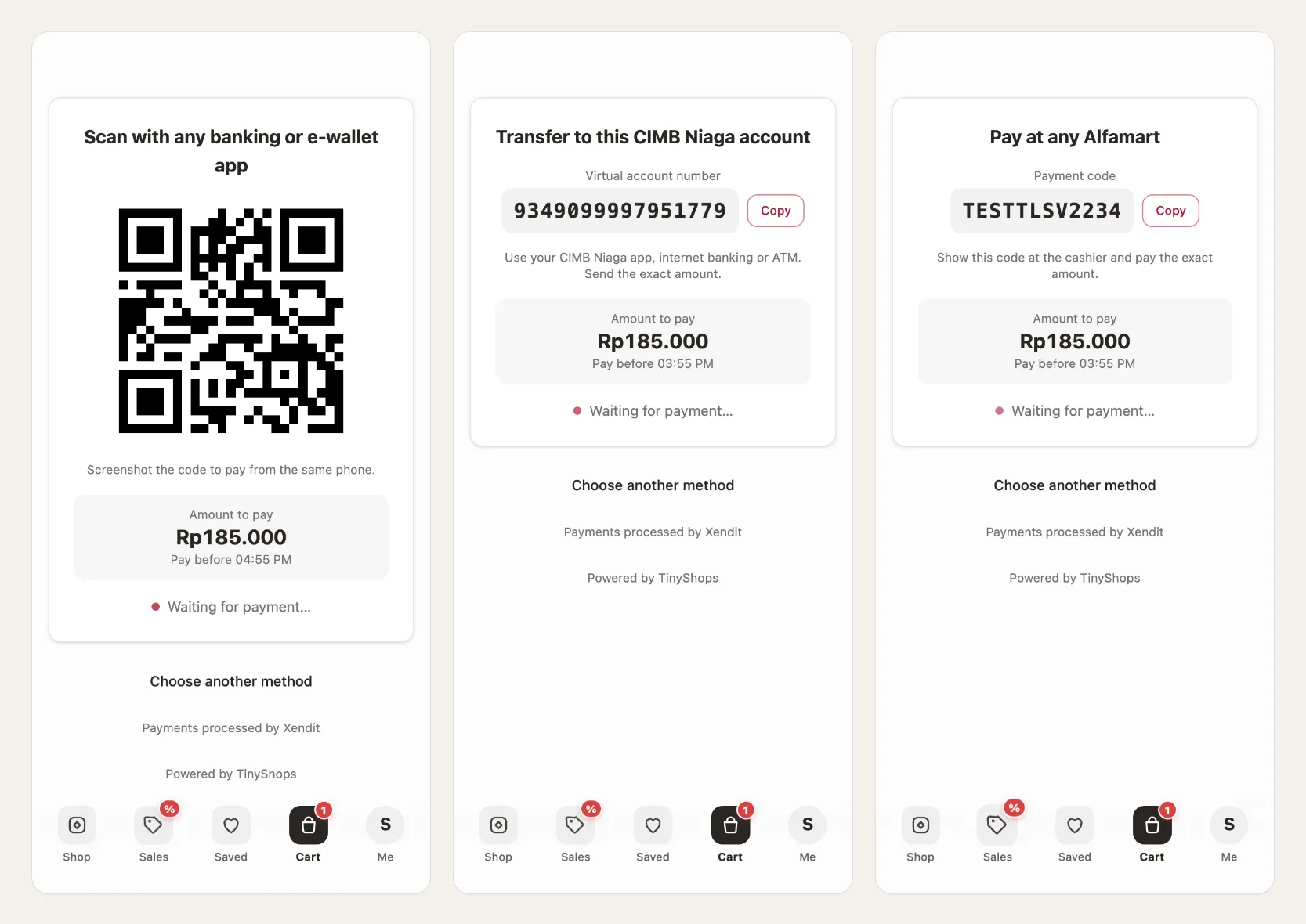
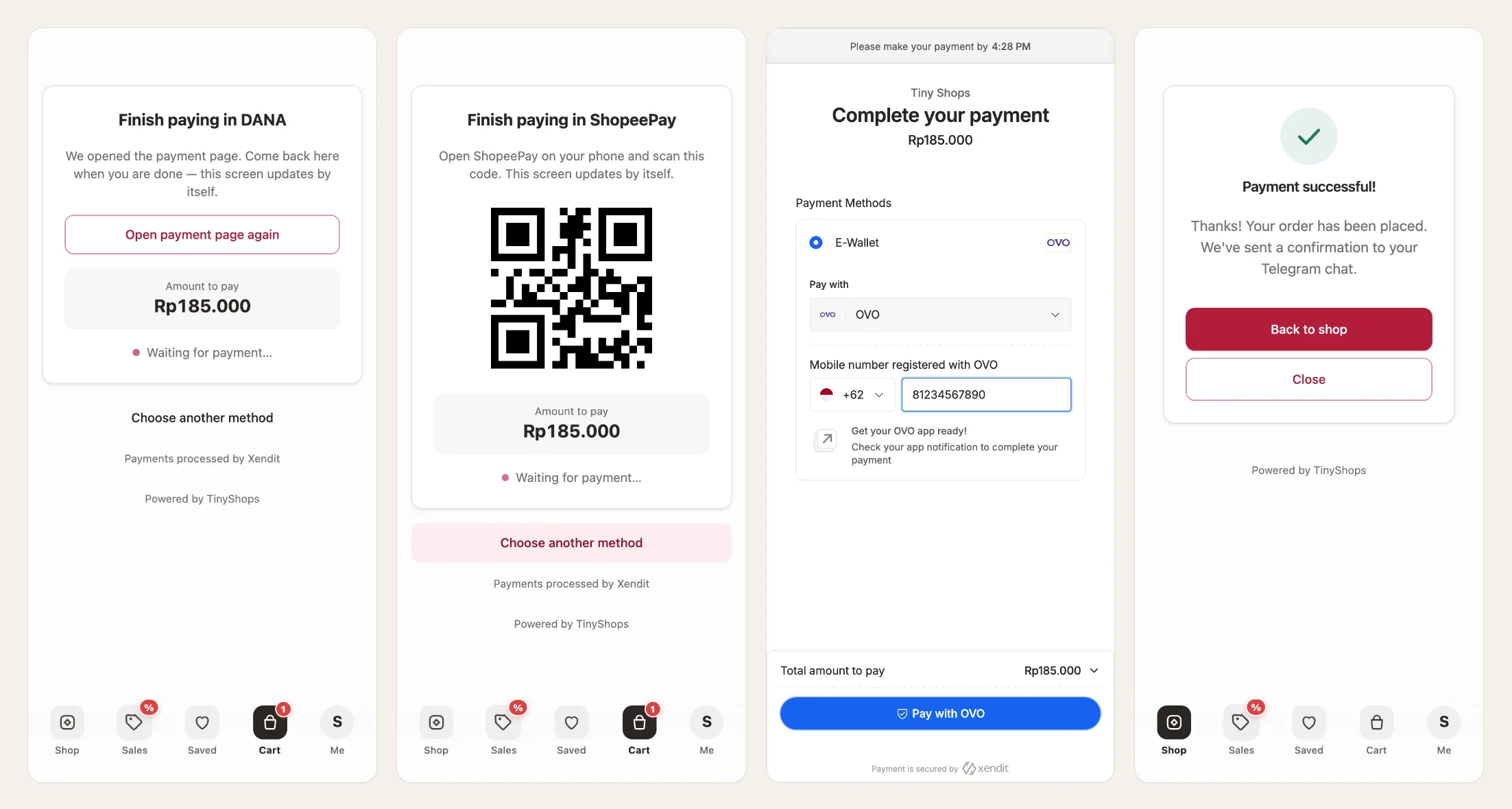
For QRIS, bank transfer and convenience stores the buyer never leaves your Mini App. They see the QR code, the virtual account number or the code for the cashier, with a copy button and the time left to pay. When the money arrives the screen moves on by itself, and you get the order.
E-wallets open the app the buyer already has#
DANA, GoPay, GCash, Maya, Touch 'n Go and the others open their own payment page, or the wallet app on a phone. ShopeePay on a computer shows a QR code to scan with the phone instead. OVO asks for the buyer's number and sends them a push to approve. When the buyer comes back to Telegram, the order is already there.
Connecting takes three steps#
Open Checkout form → Payment methods → Xendit. Choose your country, paste your Xendit secret key, then copy the webhook address into Xendit. Each step tells you exactly which screen in Xendit to open. Your key is checked with Xendit before it is saved, and the card shows when Xendit's payment updates start arriving.
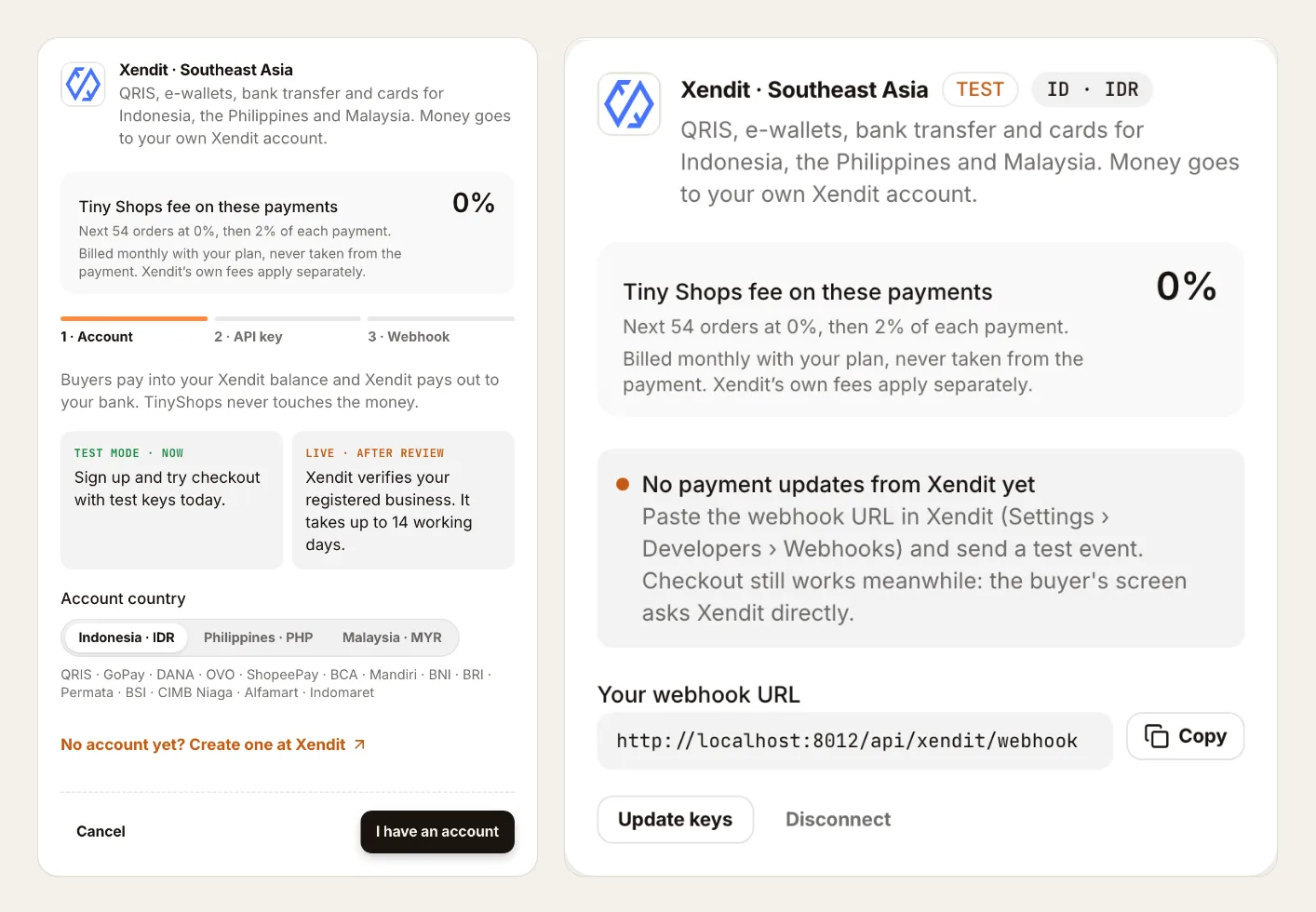
You can try checkout with Xendit's test keys straight away. Live payments start once Xendit has verified your business; Xendit says this takes up to 14 working days. Your store's currency follows the country you choose: rupiah, pesos or ringgit.
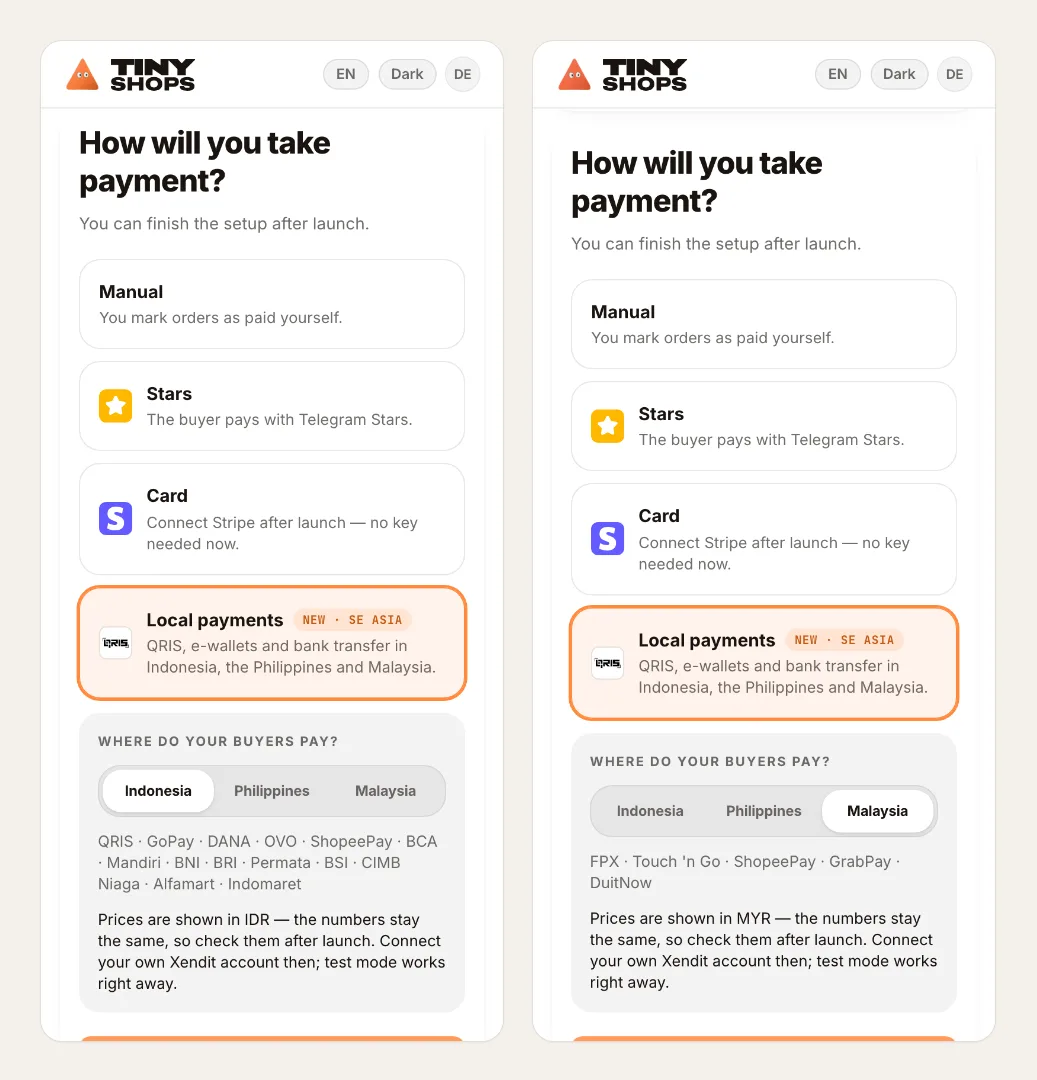
New stores can pick Local payments when they launch, choose their country, and land on this card right after launch.
What it costs#
Xendit charges its own processing fees on your account. Tiny Shops takes nothing from the payment itself. Once your 50 free orders are used up, your plan's percent of each order is added to your monthly bill, the same as for every other payment method.
One page per payment method#
If you want to show a friend how it works, or you sell to one country, each method has its own page: QRIS, GCash, FPX and the rest.
Setting it up for the first time? The step-by-step guide covers Xendit and every other payment method: how to connect payments to your Telegram shop.
Open your store and connect Xendit at tiny-shops.com →
