Tiny Shops is a no-code Telegram Mini App shop builder. On Pro and Scale you can point a domain you already own at your storefront so shoppers see your brand in the browser bar and in the Mini App — while the included *.tiny-shops.com address keeps working. Still building the shop itself? Start with how to set up a Telegram store or create a Telegram bot store, then come back here for DNS.
What you get#
| Included | Your domain |
|---|---|
Permanent yourstore.tiny-shops.com fallback | Subdomain (shop.yourbrand.com) or apex (yourbrand.com) |
| Always works | HTTPS certificate issued and renewed automatically |
| Old links and QR codes keep resolving | Mini App URL re-pointed when the domain goes Live |
Custom domains are a plan feature on Pro and Scale. Starter sees an upgrade prompt on the Domain page.
Open Domain#
- Open the dashboard.
- Sidebar → Domain (or Storefront Settings → Domain).
- Check Addresses — everything that resolves to this shop right now. Until you connect a domain, the included address is Primary and Live.
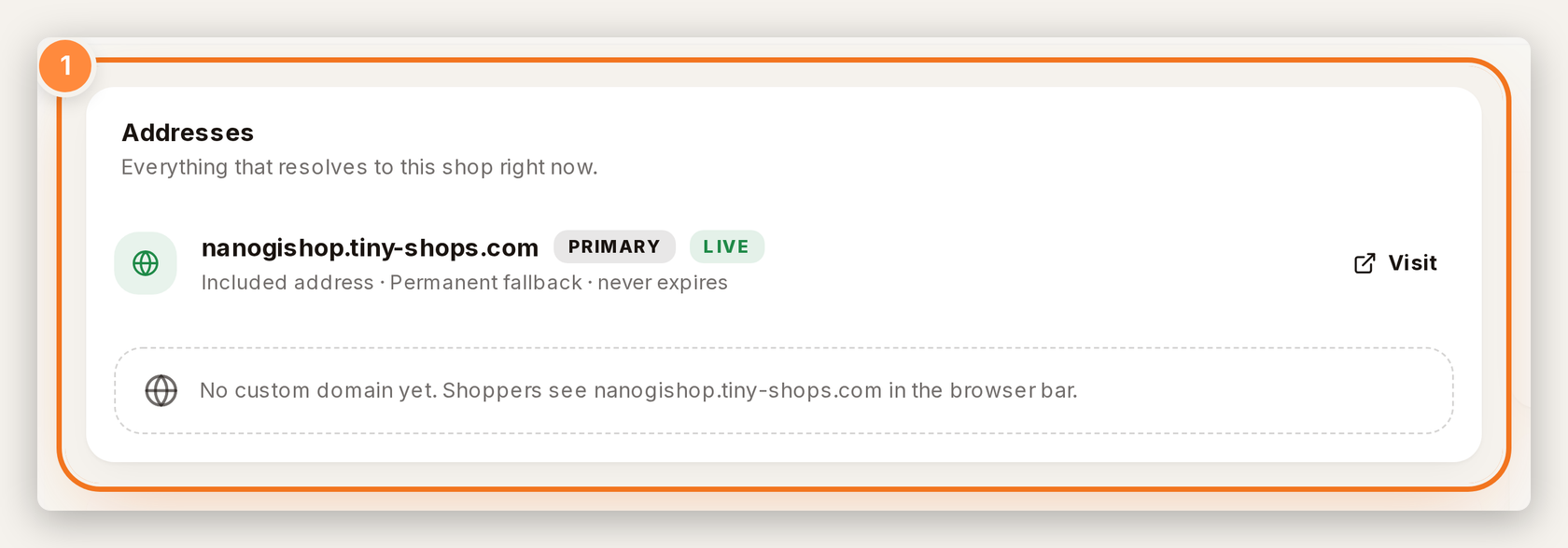
Included address stays as permanent fallback — even after you connect your own domain.
Connect a domain#
- Under Connect a domain, enter the Domain you own (for example
shop.yourbrand.com). - Click Check & continue.
- Copy the DNS records table into your registrar exactly as shown:
- Subdomain → usually a CNAME
- Apex / root (
yourbrand.com) → A records (some providers call the host@)
- Wait while status shows Verifying / Waiting for DNS. Use Check now if you just saved DNS.
- When it flips to Live, the certificate renews automatically.
If your DNS is behind a proxy (Cloudflare orange cloud), turn the proxy off for this record — proxying hides the record from the checker.
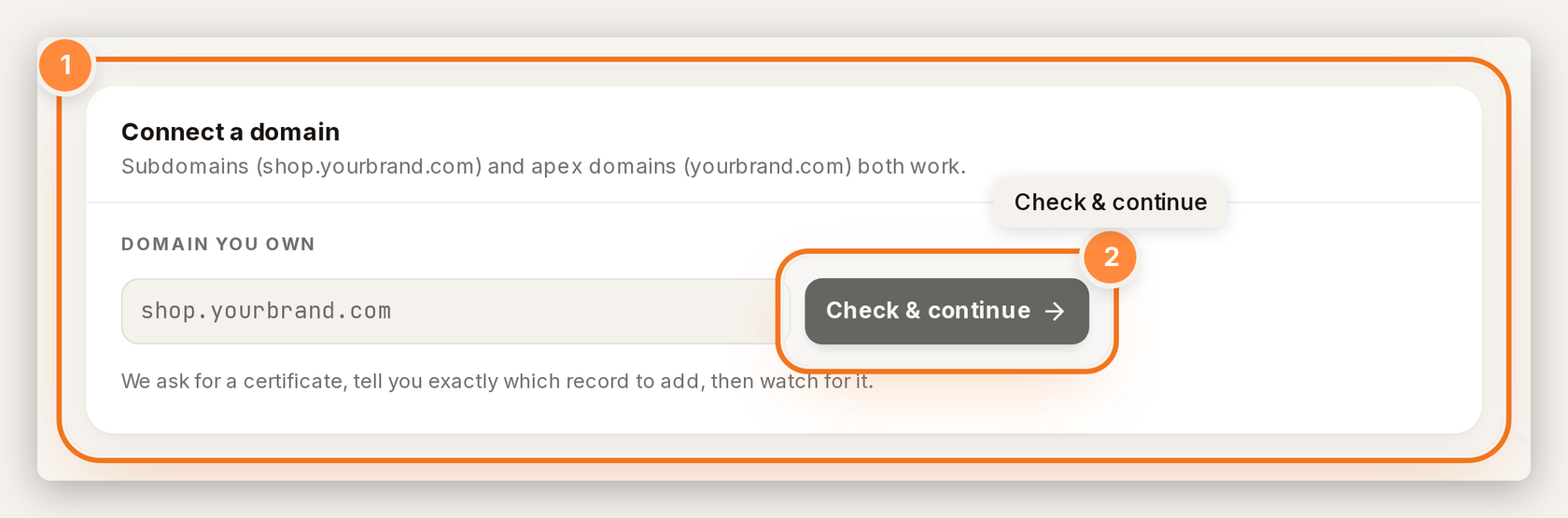
1 — Domain you own. 2 — Check & continue — we ask for a certificate, show the DNS record, then watch for it.
Telegram Mini App and BotFather#
When the domain goes Live, Tiny Shops re-points the Mini App URL for you.
One manual step remains for browser web login: Telegram ties web login to a single domain per bot and does not expose an API for it. Open @BotFather, send /setdomain, pick your bot, and paste the hostname shown on the Domain page. Until you do, customers opening the store in a regular browser may not sign in — inside Telegram the Mini App keeps working.
Disconnect#
Disconnect falls back to your included *.tiny-shops.com address immediately. DNS records at your registrar stay untouched until you delete them yourself.
FAQ#
Do I need to transfer my domain? No. You only add the DNS record we show. We do not need registrar login or transfer access.
What if DNS is slow? Plan on about ten to thirty minutes for propagation. Stay on Verifying until Found appears on each record.
Does the old Tiny Shops URL break? No. It stays as the Included address — permanent fallback.
Can Starter use this? Not yet. Custom domains are on Pro and Scale — see pricing for the current plan matrix.
Create or open your store at tiny-shops.com — or continue from the Telegram shop builder →
- 🇷🇺 Tiny Shops RU
- 🇬🇧 Tiny Shops EN
What shipped: custom domain update.
