Tiny Shops is a no-code Telegram Mini App shop builder. Cashback can now raise the rate on a date window, pay a different percentage for a category, and show the redemption rules that already ran at checkout — and one shared resolver awards the same rate in the dashboard and the storefront.
This is not a new loyalty product. It is finer control on the cashback you already turn on under Cashback Settings. For why cashback beats flat discounts, see Cashback beats discounts.
What you can set#
| Earning | Redemption |
|---|---|
| Tiers by completed order count (with Max. orders) | Maximum share of an order payable with bonuses |
| Category rates — best match in a mixed cart | Bonuses and promo codes cannot be combined |
| Scheduled promotions — Add on top or Replace | |
| Preview — same math as the payout |
Highest wins: a category rate or an Replace promotion that pays less than the customer's tier never demotes them.
Open Cashback Settings#
- Open the dashboard.
- Sidebar → Cashback → Cashback Settings.
- Turn on Enable cashback if it is off.
- Use the Earning and Redemption tabs.
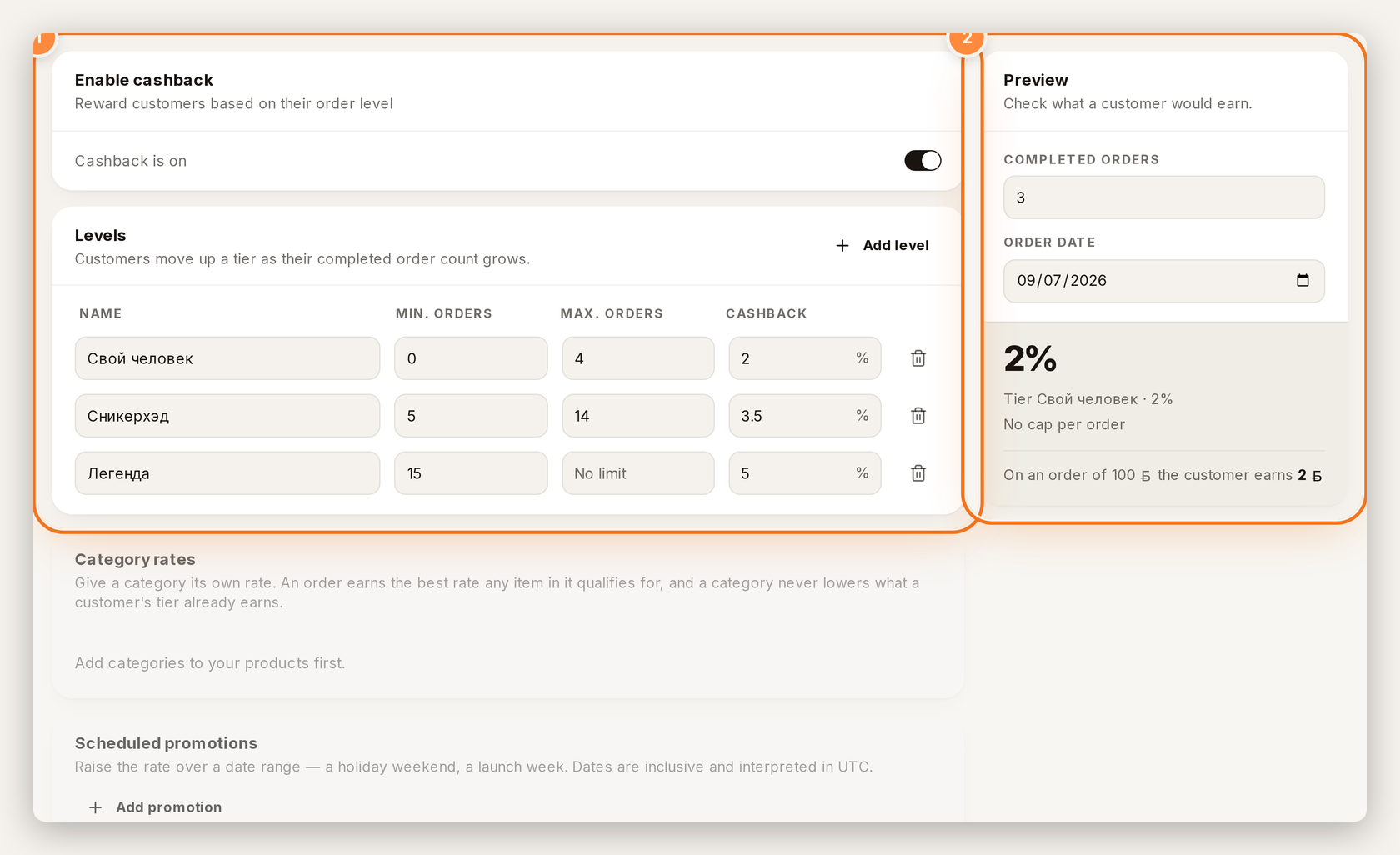
1 — turn cashback on and set Levels. 2 — check what a customer earns in Preview.
Set tiers#
Under Levels, each tier needs a name, Min. orders, optional Max. orders, and a cashback %. Leave max empty for no upper limit. Customers move up as their completed order count grows.
Pick Award cashback when (order placed, payment confirmed, or a status) in general settings, then save.
Raise the rate for a launch or holiday#
- Earning → Scheduled promotions → Add promotion.
- Label it (for example "Holiday boost").
- Set From / To (inclusive UTC). Leave To empty if it should keep running.
- Choose Add on top (stacks on the tier) or Replace (swaps the tier rate unless the tier already pays more).
- Optionally enable Own cap for this promotion so the store-wide max does not cut the boost.
- Check status badges: Running now, Scheduled, Ended, Paused.
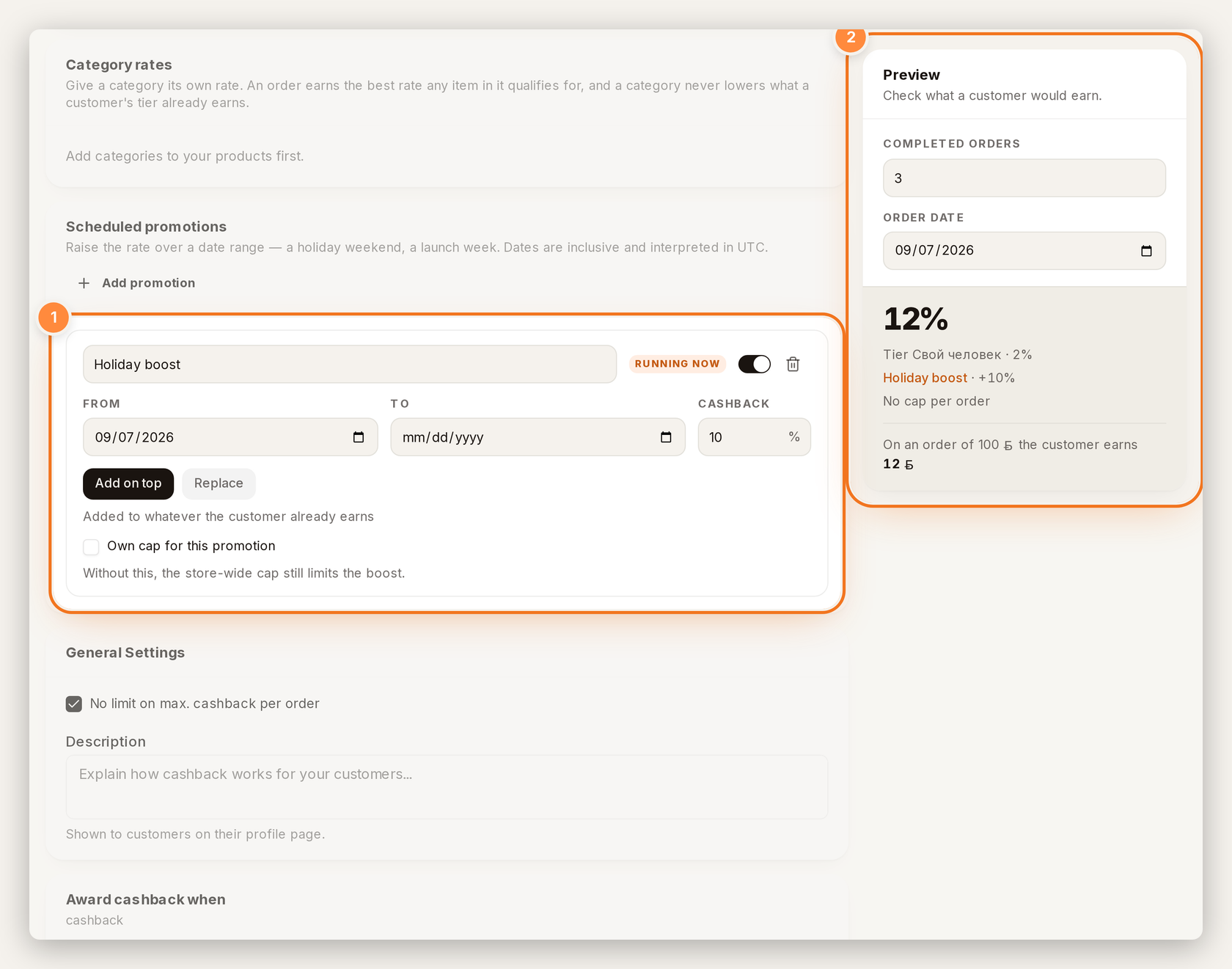
1 — add a dated promotion (Add on top or Replace). 2 — Preview shows tier + boost.
Give a category its own rate#
- Category rates → Add category.
- Pick a category and a %.
- A mixed cart earns the best matching rate among items in it. A category never lowers the customer's tier rate.
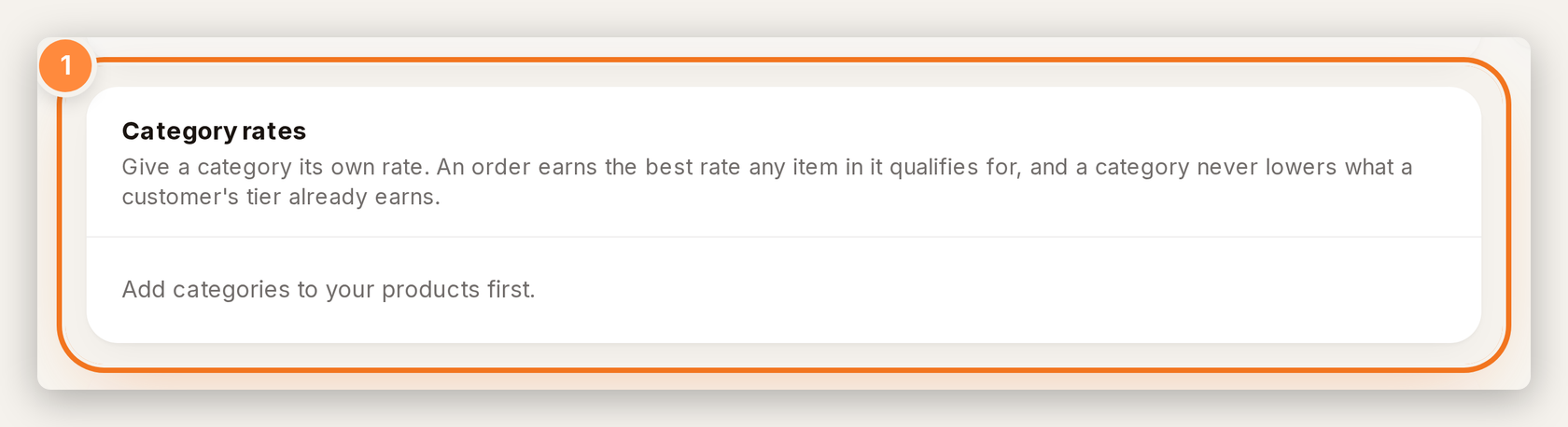
1 — Category rates. You need product categories first; otherwise you see Add categories to your products first.
Control how bonuses spend#
- Open the Redemption tab (Spending bonuses).
- Set Maximum share of an order payable with bonuses (non-sale items only; sale items stay full price).
- Toggle Bonuses and promo codes cannot be combined if applying bonuses should clear a promo code.
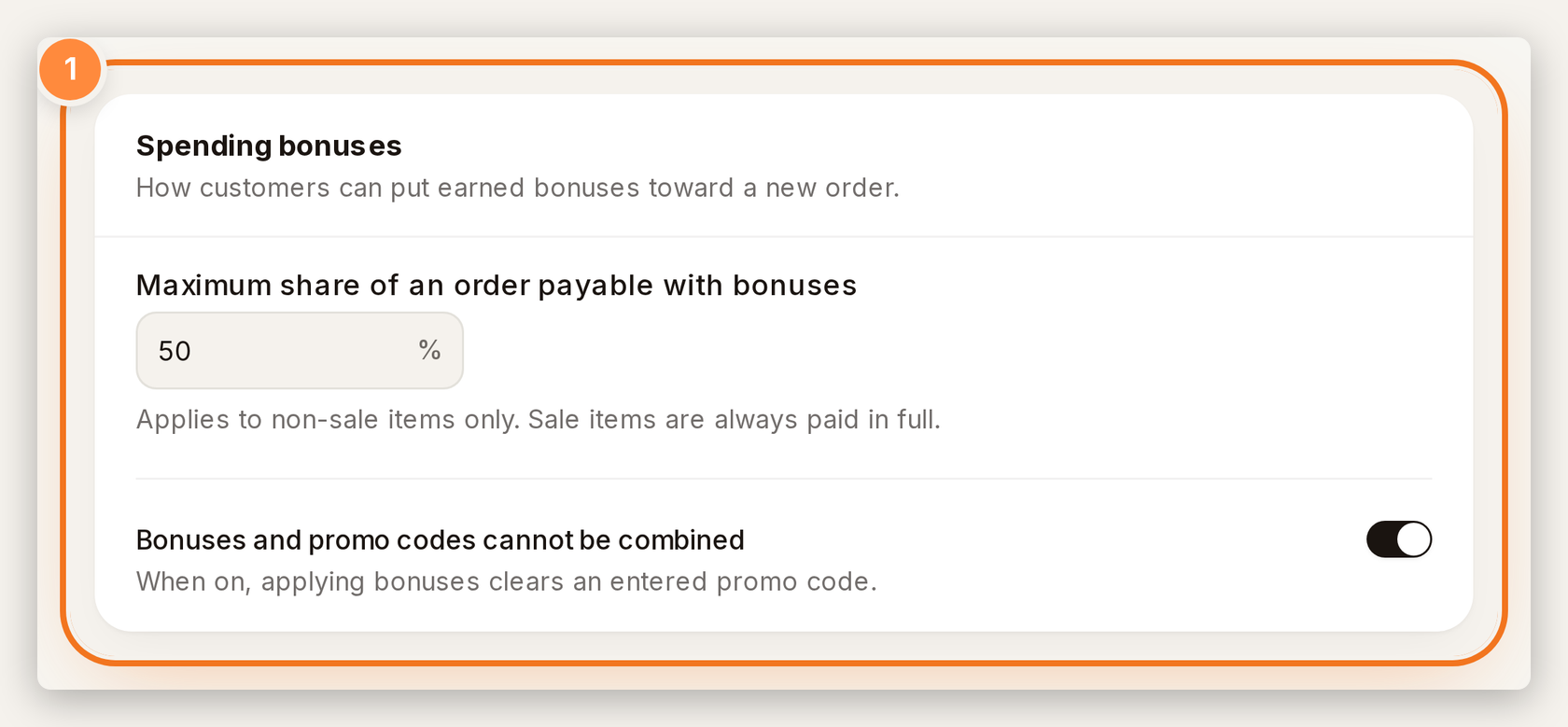
1 — set how bonuses spend at checkout.
These two rules were already enforced at checkout; the UI was missing.
Use Preview before you save#
On Earning, the Preview rail takes completed orders, an order date, and an optional category. It shows the resolved %, where it came from (tier, category, or promotion), and what a sample order earns — from the same resolver that pays out.
FAQ#
Do promotions run in my local timezone? Windows are calendar dates in UTC, inclusive. Tiny Shops does not store a merchant timezone for cashback yet.
Can a promotion lower someone's tier? No. Highest wins. An Replace that pays less than the tier does not demote them.
Is this different from win-backs? Yes. Win-backs in Tiny Shops nudge favorite or abandoned carts with a code. Cashback is store credit on orders. They can run together.
Where do shoppers see their balance? On their Mini App profile, plus at checkout when bonuses are allowed.
Create or open your store at tiny-shops.com →
- 🇷🇺 Tiny Shops RU
- 🇬🇧 Tiny Shops EN
Shipped in the September cashback flexibility update.
