A busy week for shop owners: block problem buyers, push every order to your warehouse or script, connect an AI agent with a browser sign-in, and keep the Mini App up when Sheets or deploys hiccup.
What shipped#
- Ban a shopper — Customers → row menu → Ban customer. They lose the Mini App, checkout, shop bot, and broadcasts. Orders and bonuses stay; Unban customer anytime.
- Order webhooks & fulfillment — Settings → Order webhooks: signed
order.created/order.updatedto your HTTPS URL. Ship with carrier and tracking from the order page. Same shape over HTTP/MCP:get_order,ship_order. Guide: Orders API & Webhooks. - Connect agents with OAuth — OAuth 2.1 + PKCE for MCP clients (Cursor, Claude Code, and similar). Connections live next to API tokens under Settings → Agents & API. Walkthrough: Connect an AI agent.
- More agent tools — bot connect, setup analytics, win-back config, plus the full HTTP surface at
/v1/{tool}with OpenAPI. - Storefront reliability — better survival across deploys; Google Sheets quota spikes serve a stale catalog instead of a dead 500.
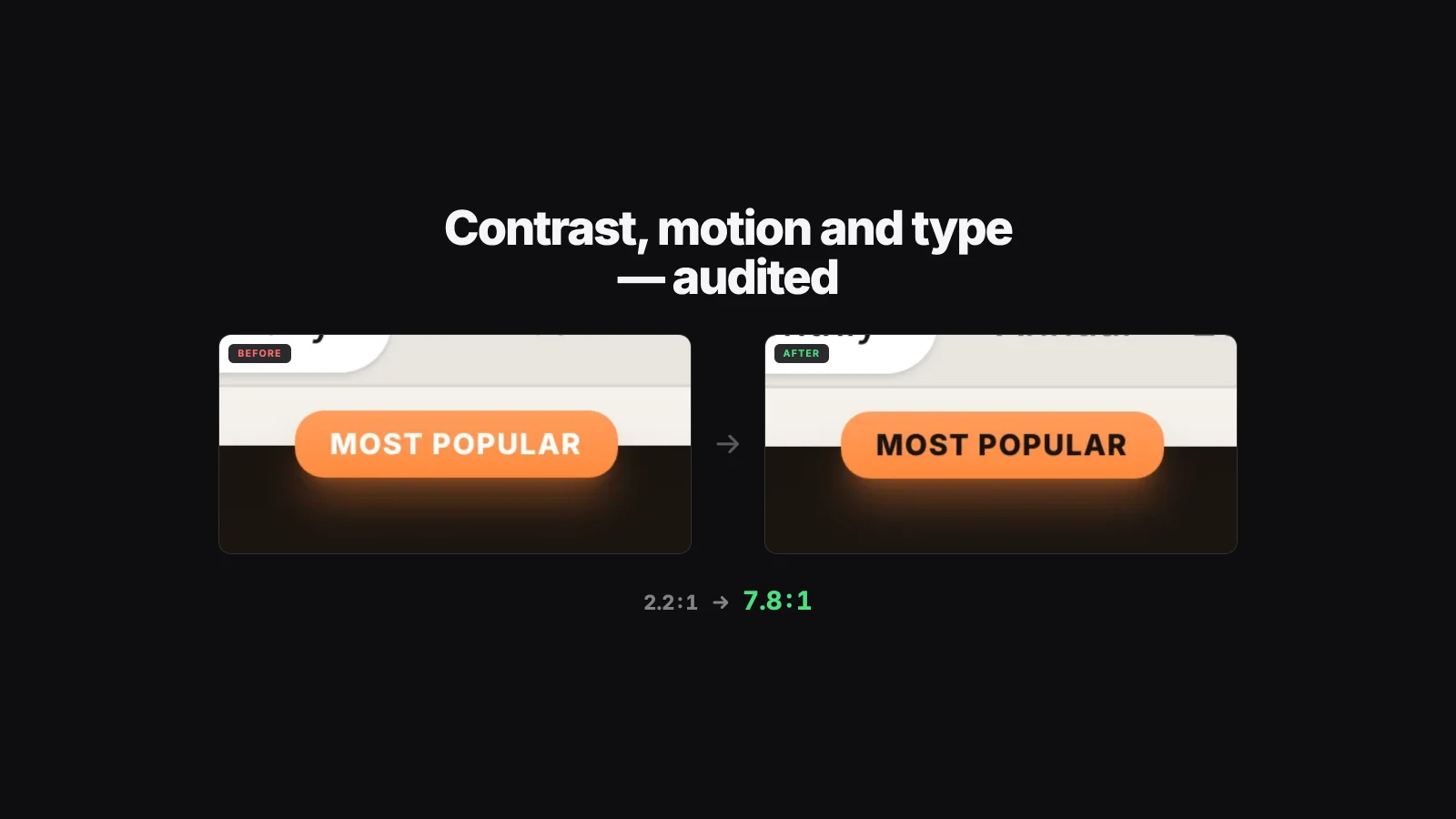
- Dashboard & storefront polish — count-up stats, sparks on add-to-cart, hold-to-delete with undo, clearer empty states.
- Inbox & announcements — broadcasts show in the conversation thread; waiting threads sort by waiting since. Announcements support real audience segments and each owner gets their own language.
- Billing note — stores that outgrew the free contact allowance are asked to pick a paid plan (no endless free extension). Card billing is Stripe only (Polar is gone).
- Security — harder XSS paths and tighter handling of secrets on the platform side.
English site URLs no longer need an /en prefix — /blog/... and /updates/... are the root.
Where to click#
Ban a shopper#
- Dashboard → Customers.
- Open the row menu → Ban customer → confirm.
- To reverse: same menu → Unban customer.
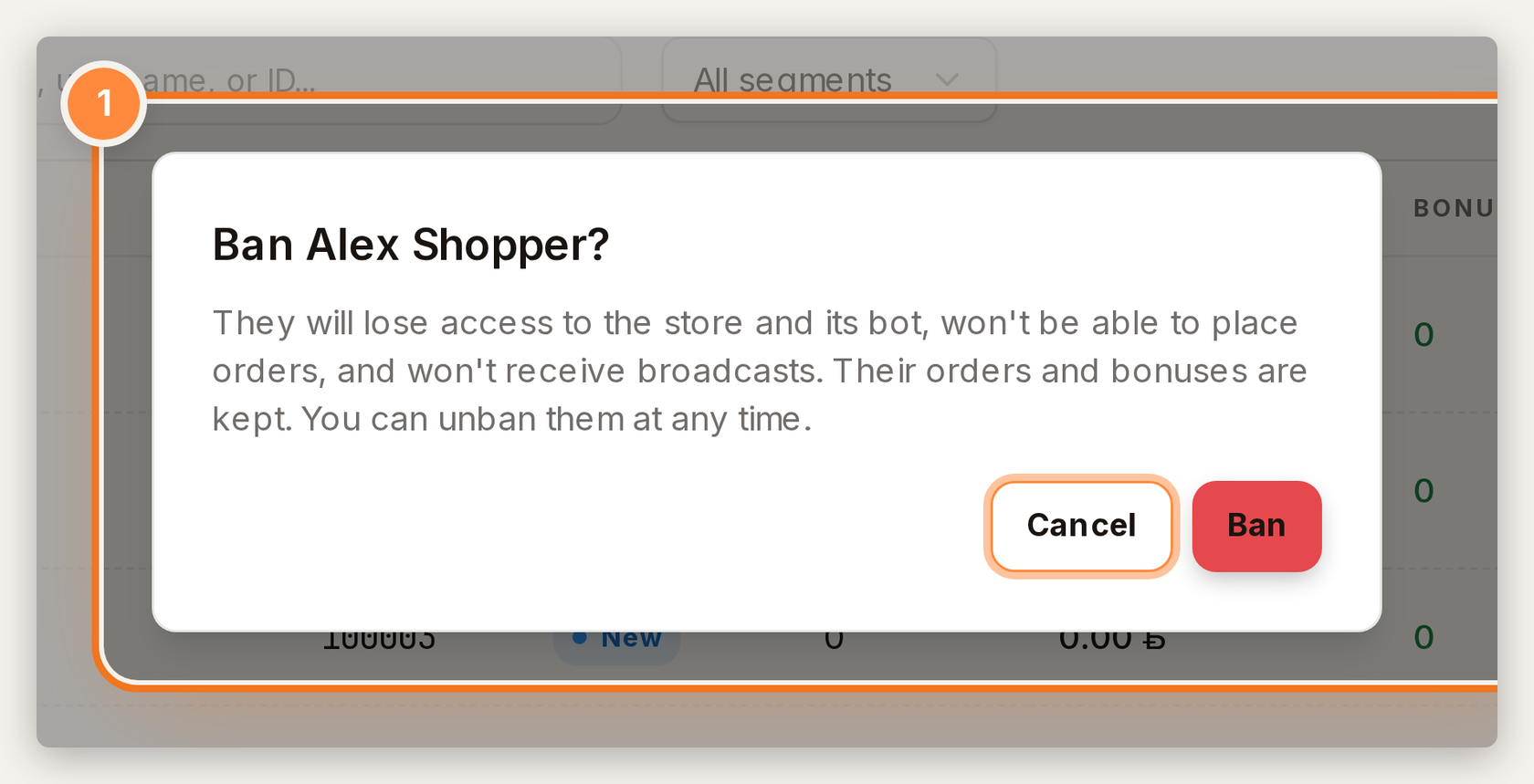
1 — confirm ban. They lose Mini App, checkout, bot, and broadcasts; unban anytime.
Order webhooks#
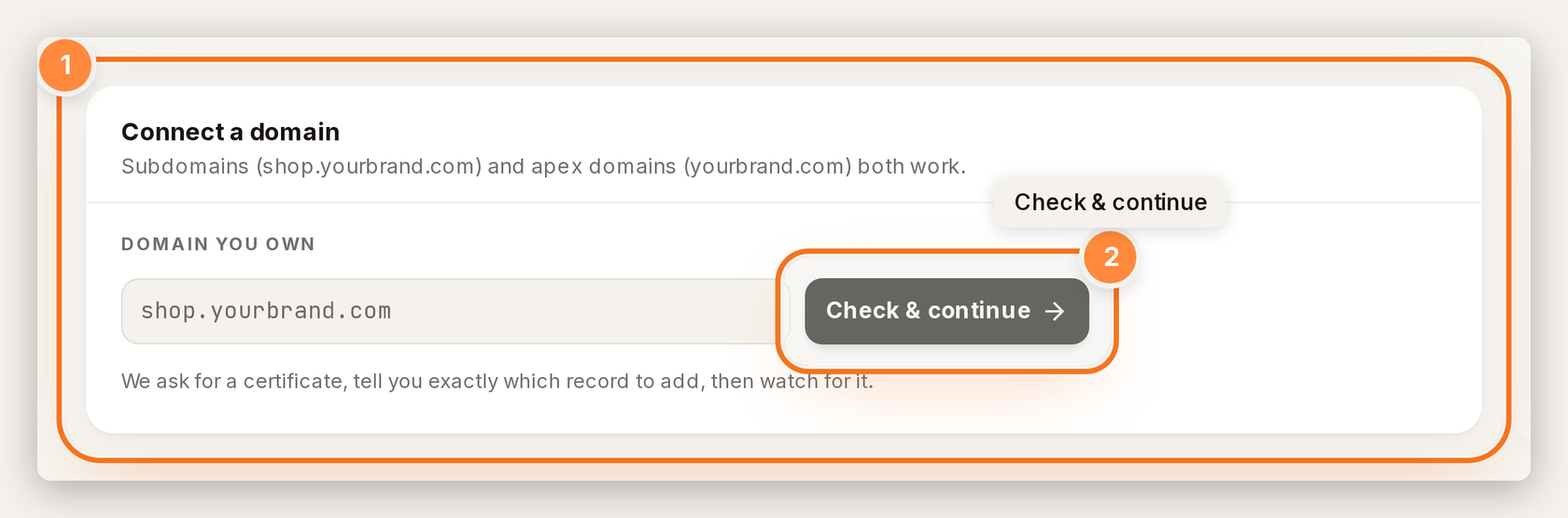
- Dashboard → Settings → Order webhooks (owner only), or dashboard.tiny-shops.com/settings/order-webhooks.
- Paste a public HTTPS URL → Save → copy the signing secret when shown.
- Send test event to check your endpoint, then ship a real order with carrier/tracking when you are ready.
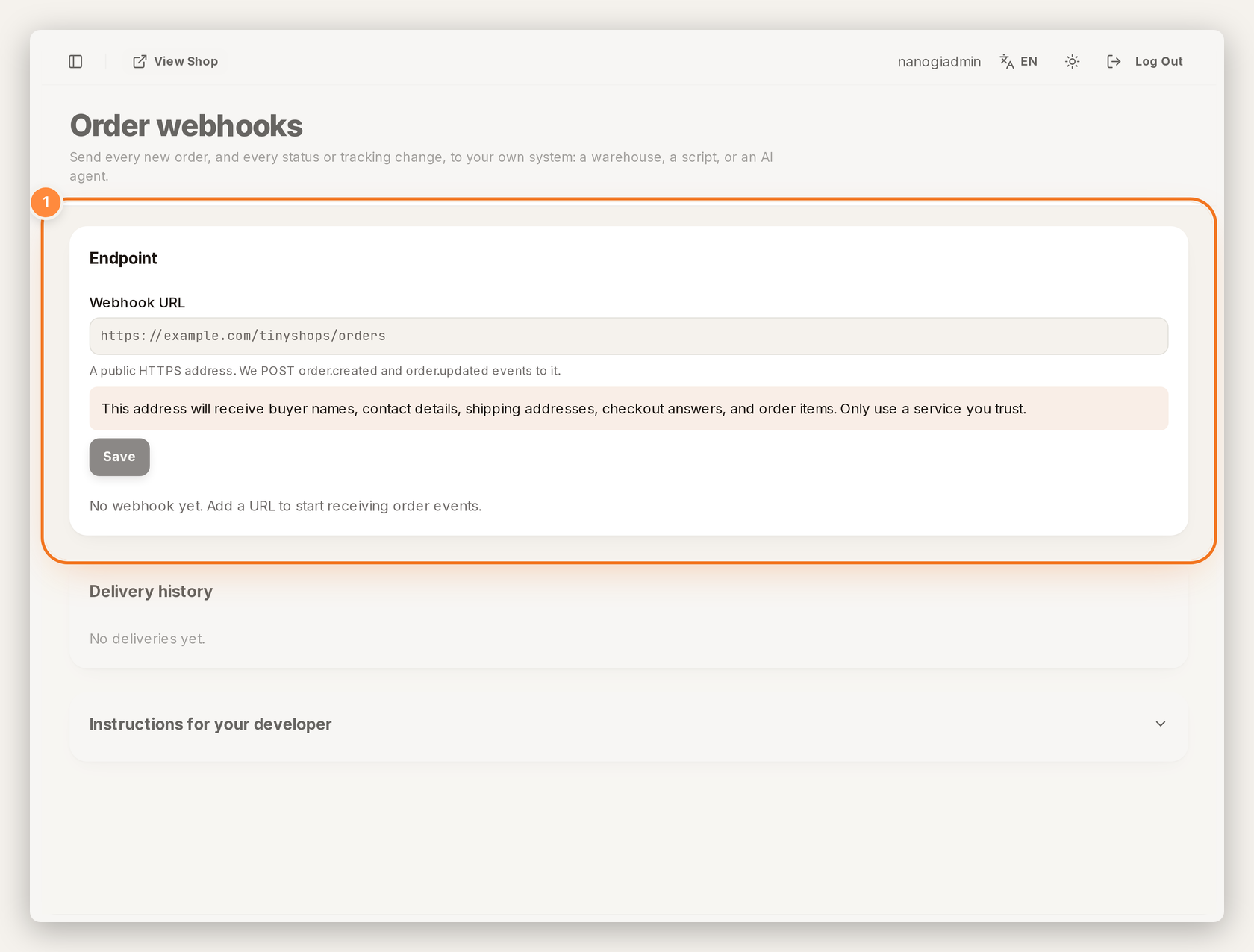
1 — paste a public HTTPS URL. Signed order.created / order.updated land here.
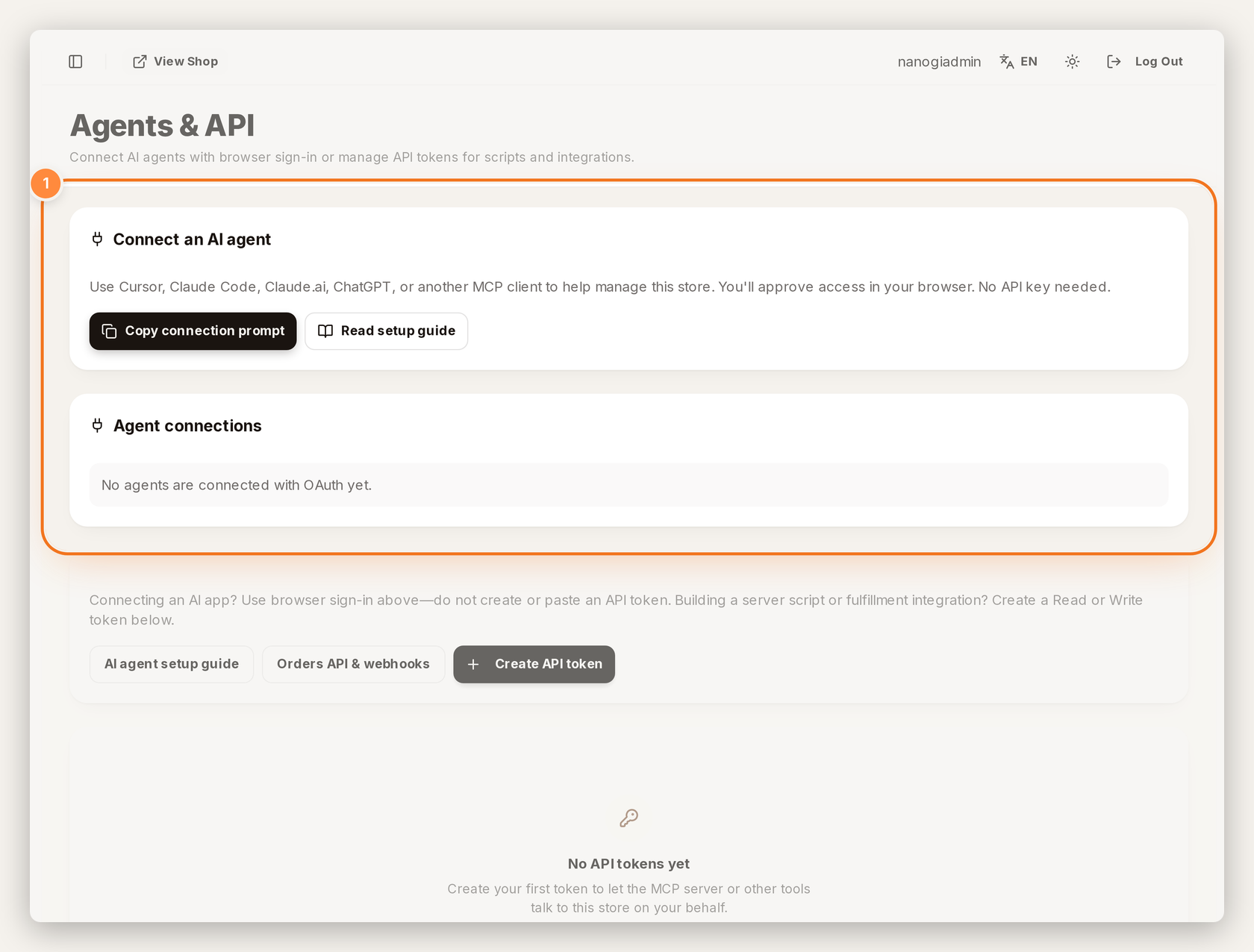
1 — connect Cursor / Claude Code with browser OAuth, or create an API token for scripts.
Deep dive for your developer or agent: Orders API & Webhooks. Agent sign-in: Connect an AI agent.
Related how-tos:
Create or open your store at tiny-shops.com →
- 🇷🇺 Tiny Shops RU
- 🇬🇧 Tiny Shops EN